01
Yard-scale planning
Put every plant in its place.
Import a yard image, calibrate a known distance, and place trees, shrubs, perennials, and groundcovers at a meaningful scale.
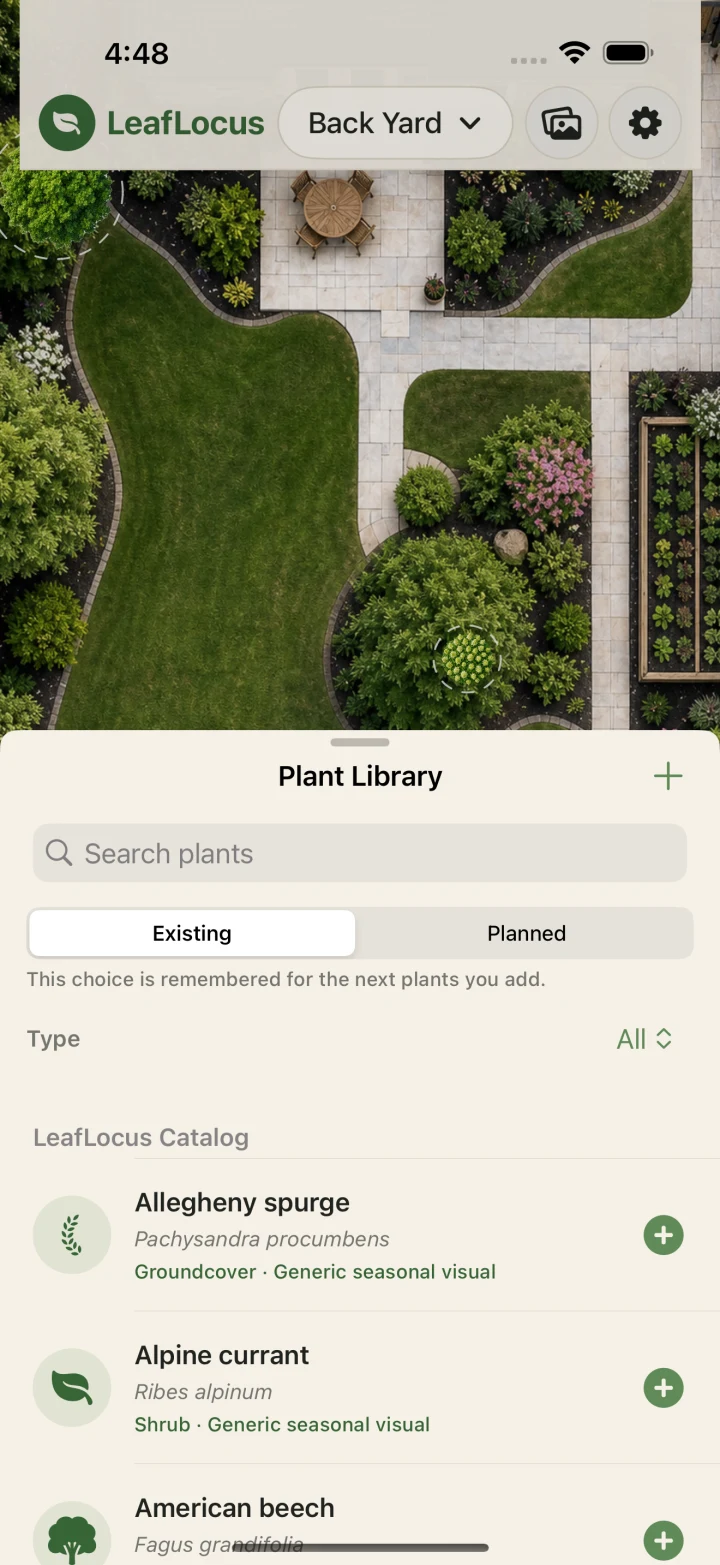
Locus is Latin for place. As in the old gardening rule: right plant, right place. LeafLocus maps your yard so you can find it.
Upload an aerial photo of your yard. Place and scale plants, watch how they'll grow, and see where sun and shade actually fall.
3000+starter plants
4seasonal phases
15 minsun-path samples
0required accounts
Yard-scale planning
Import a yard image, calibrate a known distance, and place trees, shrubs, perennials, and groundcovers at a meaningful scale.
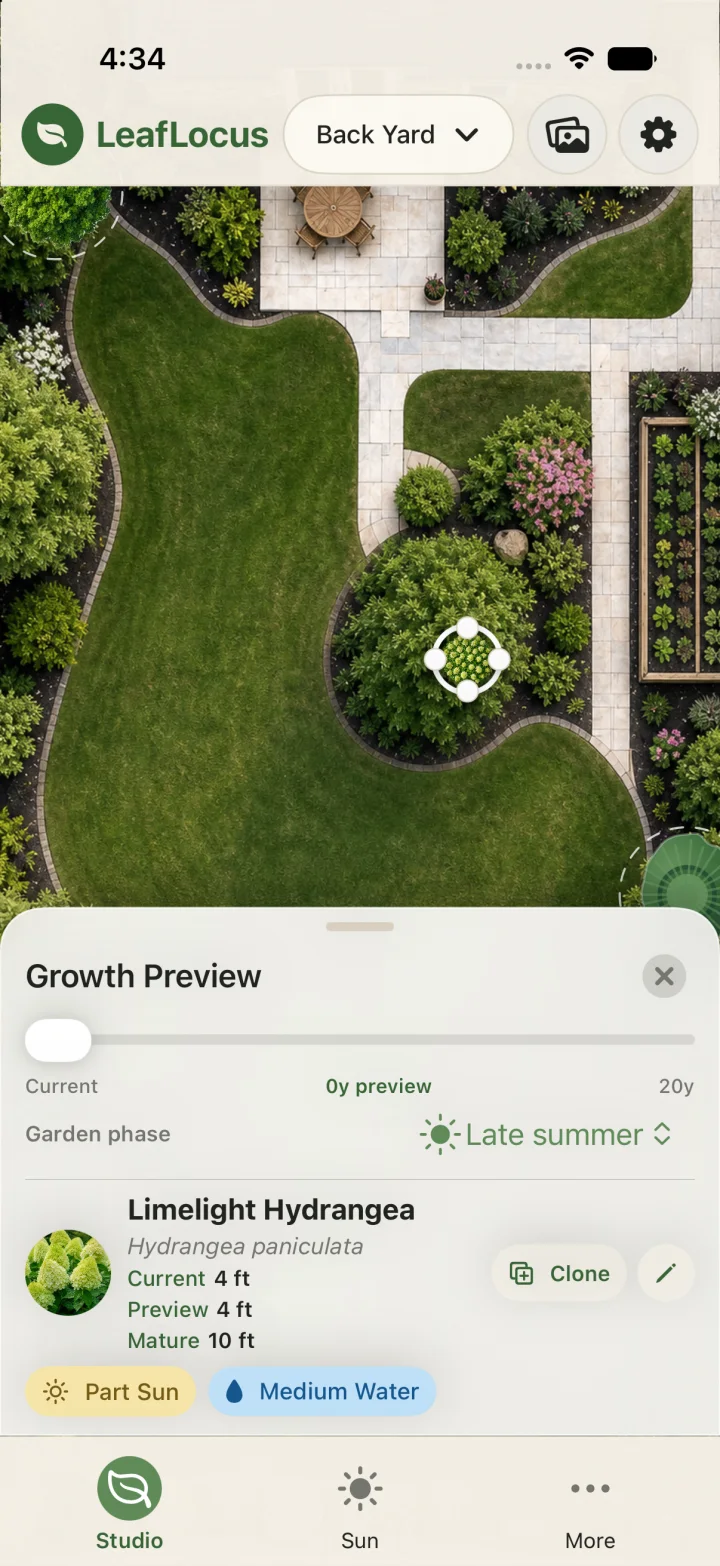
Growth preview
Compare current and mature sizes, scrub through future growth, and spot crowded canopies before planting day.
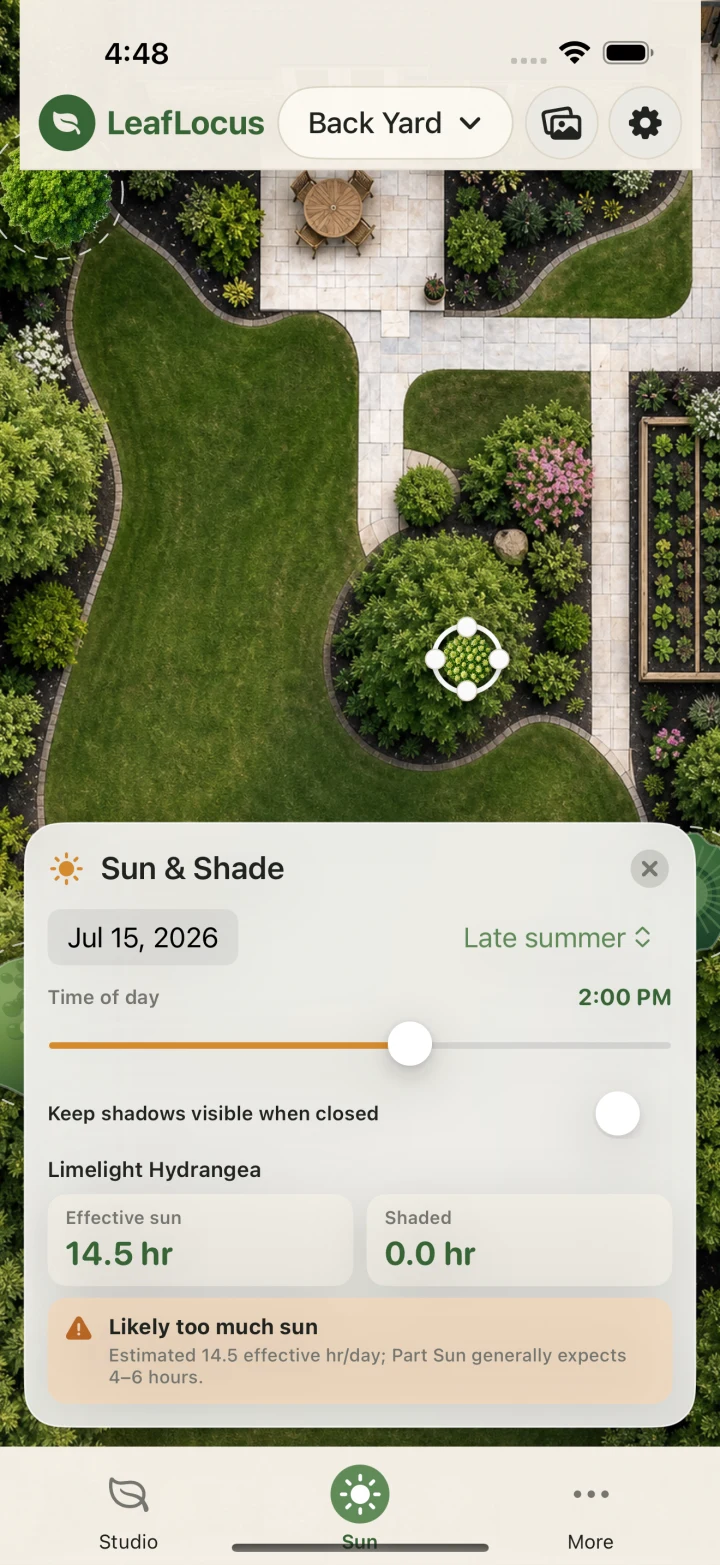
Sun & shade
Set north and an approximate location, then move through the day to see shadows shift and identify likely light mismatches.
Seasonal context
Preview climate-relative bloom, fall color, evergreen structure, and winter dormancy so the garden has something to say all year.
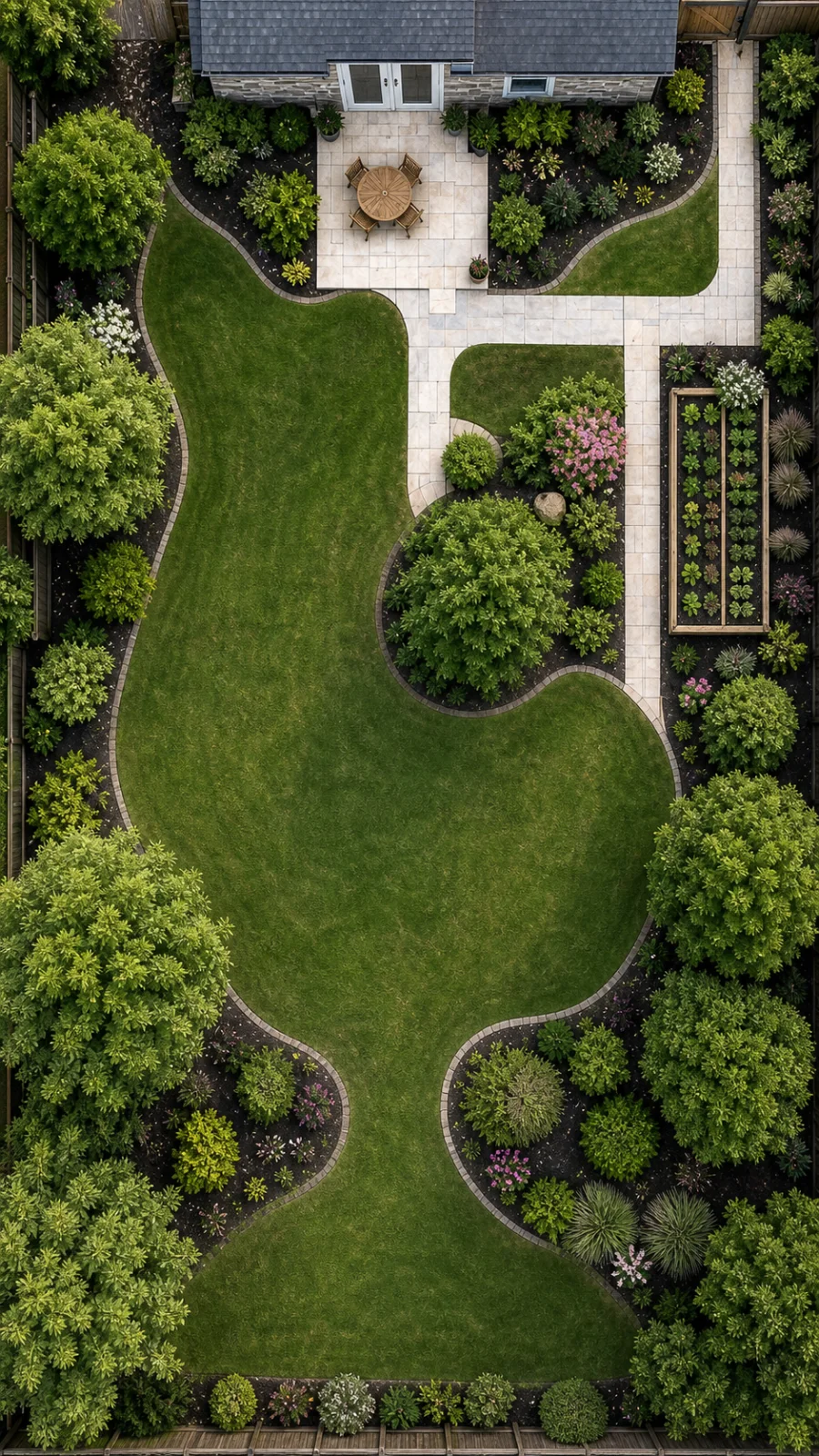
From photo to planting plan
Grab a screenshot of your yard from Google Maps or similar, orient north, and calibrate scale from a known landmark like your house.
Inventory existing plants, browse the catalog, or create a custom plant.
Review growth, overlap, seasons, and sun/shade coverage before you commit.
Local-first by design
LeafLocus does not require a login. Your gardens remain available on your devices, even offline. Optional iCloud sync uses the Apple Account already on your device—there is no separate server account to manage.
LeafLocus support
Questions, feedback, or trouble with the app are always welcome.
Nothing is deleted. Your gardens remain available to view, and purchasing a subscription restores editing, analysis, and sync.
No LeafLocus account is required. Optional device-to-device sync uses your existing iCloud account.
Yes. Add a custom plant with its own size, light, water, bloom, and seasonal details, then reuse it throughout your gardens.
No. Start with what you know—catalog plants already include typical mature dimensions. But current and mature measurements are what let LeafLocus scale plants, project growth, flag canopy crowding, and estimate shade. The more accurate the inputs, the more useful the analysis.
No. You can begin with a blank garden and add an image later. A photo, map, or site plan simply gives you a more recognizable background for placing plants.
Not for a quick sketch. Calibrating one known distance is what lets LeafLocus show realistic plant sizes, spacing, canopy overlap, and shade distances.
For the best estimate, set the yard scale and north direction, add a ZIP code or coordinates, and enter plant heights. The result is a planning estimate—nearby buildings, fences, pruning, and local conditions can still change the actual light.
 Download on theApp Store
Seven days free · $9.99 annual subscription after